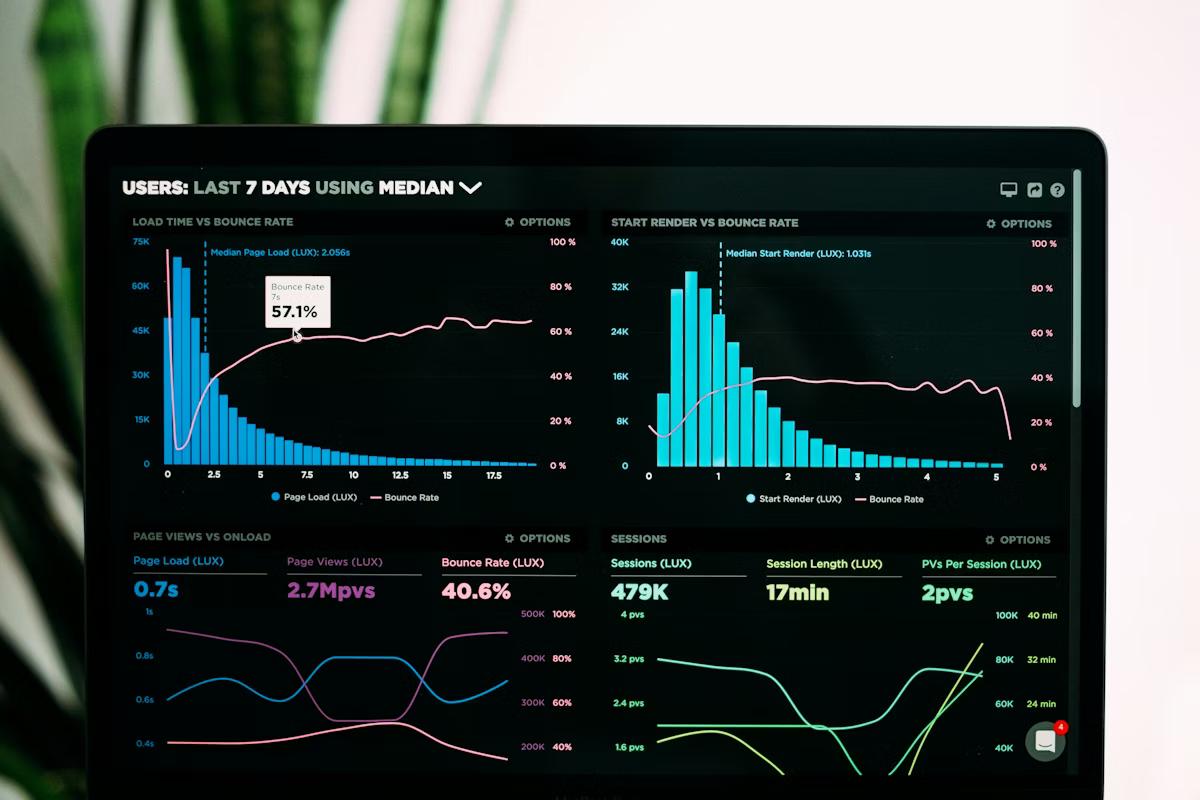
Google Analytics 4 replaced Universal Analytics in 2023, and most business owners have either not set it up or set it up and have no idea what they're looking at. GA4's interface is more powerful than its predecessor but significantly less intuitive. The good news is that you don't need to understand all of it — you just need to know which five reports to check monthly and what to look for. Here's the short version.
Why GA4 Matters Even for Small Businesses
Even if you're a small operation, understanding how people find and use your website is directly tied to making better marketing decisions. Without data, you're guessing. With data, you know whether your SEO efforts are driving traffic, whether your homepage is doing its job, and whether people who land on your site are actually contacting you — or disappearing. GA4 gives you this visibility for free.
Report 1: Traffic Acquisition
Where to find it: Reports → Acquisition → Traffic Acquisition
This report tells you where your visitors are coming from: organic search (Google/Bing), direct (typed your URL), referral (another site linked to you), paid search (Google Ads), email, or social media. For most local businesses, organic search should be your top or second channel.
What to look for month-over-month: Is your organic search traffic growing, flat, or declining? If organic is falling, you may have an SEO issue or a technical problem on your site. If paid search is driving traffic but you're not seeing conversions, your landing pages need work.
Report 2: Pages and Screens
Where to find it: Reports → Engagement → Pages and Screens
This shows you which pages on your site are getting the most views and how long people are spending on them. Your homepage should appear near the top. Your key service pages and contact page should also show meaningful traffic.
Red flags: If your contact page barely shows up, people aren't finding their way to it — check your navigation and CTAs. If your service pages have very low average engagement time (under 30 seconds), visitors aren't reading them — your content may not be relevant to the searches bringing people to those pages.
Report 3: Conversions and Key Events
Where to find it: Reports → Engagement → Conversions (or Key Events, depending on your GA4 version)
This is the most important report — it shows you how many times visitors completed the actions you care about: form submissions, phone link clicks, booking completions, etc. If you haven't configured key events in GA4 yet, this is your first priority. Without conversion tracking, you have no idea whether your website is actually generating business.
Once configured, track: total conversions per month, which pages are driving the most conversions, and which traffic sources have the best conversion rate. This tells you where to invest more and where to cut.
Report 4: User Demographics and Device
Where to find it: Reports → User → User Attributes → Overview
This report shows you who your visitors are — age ranges, geographic location, and what devices they're using. The device breakdown is particularly important for small businesses. If 70% of your visitors are on mobile and your site isn't optimized for mobile, you know exactly where to invest. The geographic data confirms whether you're reaching your actual target market or attracting traffic from outside your service area.
Report 5: Landing Pages
Where to find it: Reports → Engagement → Landing Page
Landing pages are the first pages people see when they arrive at your site. This report shows you which pages are serving as entry points and how those visitors behave. High bounce rates on landing pages (people leaving immediately) suggest a mismatch between what they expected to find and what they found — which is usually a keyword targeting problem if they came from search.
If your homepage has a high bounce rate, look at your load speed and your above-the-fold content. If a specific service page is the entry point but has poor engagement, the page content may not be answering the question that brought people there.
What to Do With What You Find
Monthly, spend 20–30 minutes in these five reports and note: anything that's significantly up or down compared to last month, any pages with very low engagement or high bounce rates, and whether conversions are tracking in the right direction. You don't need to investigate everything — just flag the outliers and address the most significant ones each quarter.
When Data Tells You Something Is Broken
Sometimes GA4 reveals a clear problem: traffic dropped 40% in one month, conversion tracking suddenly shows zero events, or a specific page has a 90% bounce rate. These are worth investigating immediately rather than waiting for a monthly review. Sudden drops in organic traffic often signal a technical issue (broken page, blocked by robots.txt, Google penalty) that compounds the longer it goes unaddressed.
If you'd like help getting GA4 set up correctly, configuring conversion tracking, or understanding what your data is telling you, reach out for a free audit. Getting the basics right makes every other marketing decision easier.

10+ years helping Ohio businesses grow through websites, SEO, paid media, AI, and digital strategy. Founded Spark Street Digital to bring senior-level marketing to locally owned Ohio businesses.
More about Ryan